
Characters’ look from avatars
NovelAI takes the look from text. To take it from avatars, choose FLUX 3 Klein or Qwen-Image 2.1 in the plugin: five steps.
How to take the look from avatars
In the “Images by Not_Found” plugin, switch to a model that looks at photos. Same key, same plan.
-
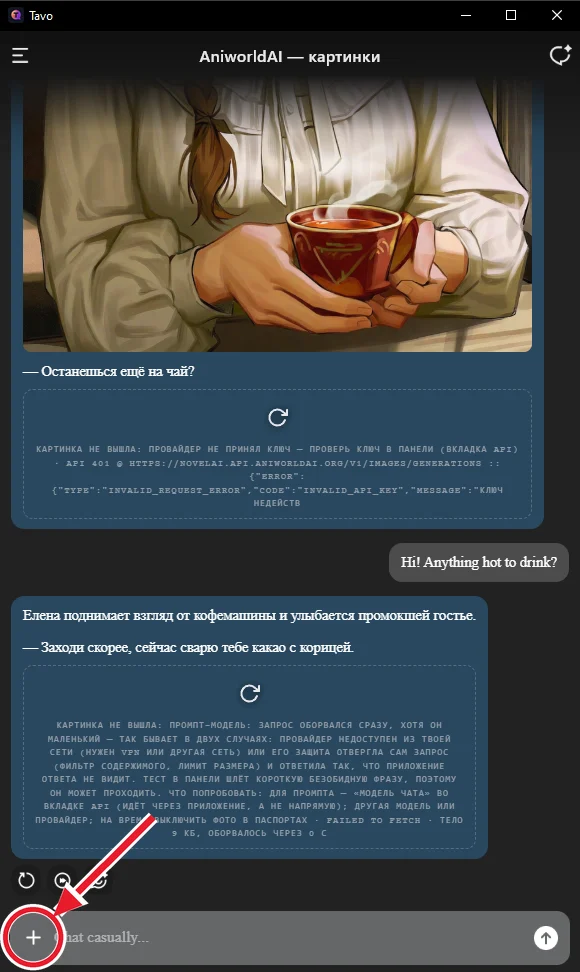
-
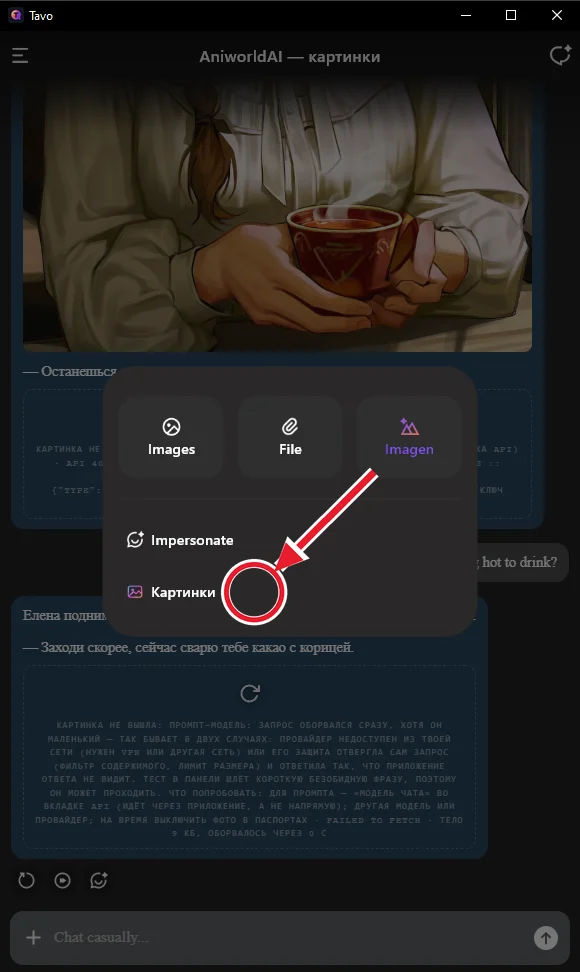
-
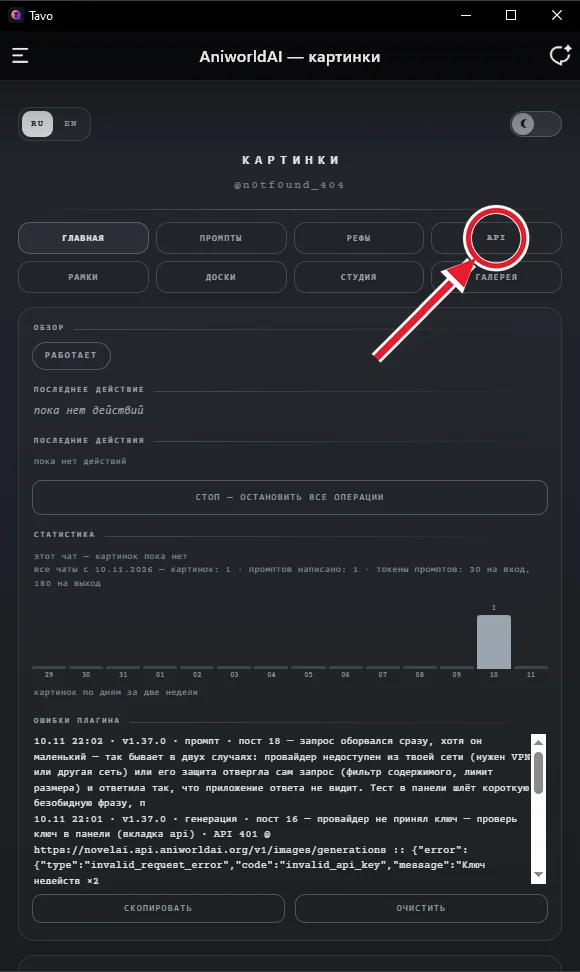
- Model
flux-3-klein-image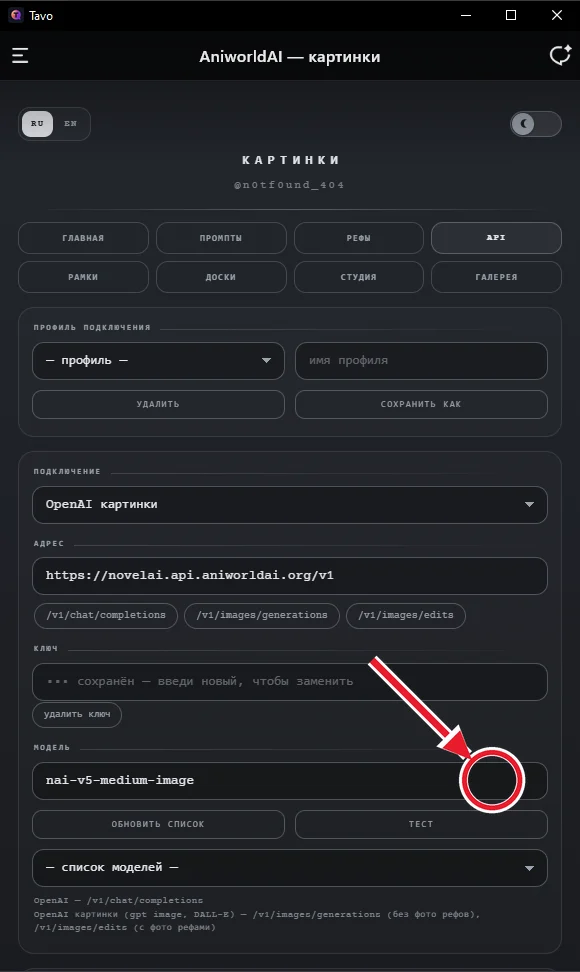
-
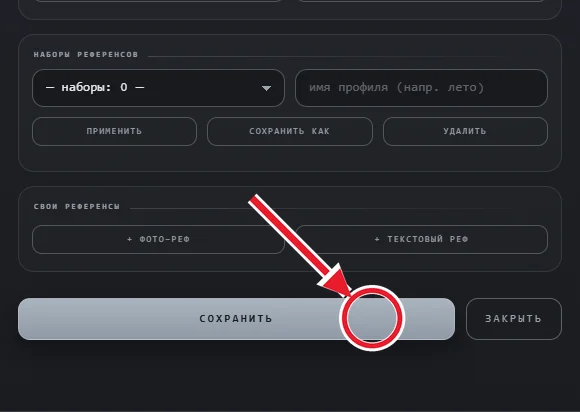
Done. The next images take the look from the avatars: the character’s and yours.
The second model that takes the look from avatars:
qwen-image-2.1Both are in your plan and use the same key: 50, 75 or 120 images per day depending on the plan, separate from NovelAI images. They draw in 10–15 seconds.
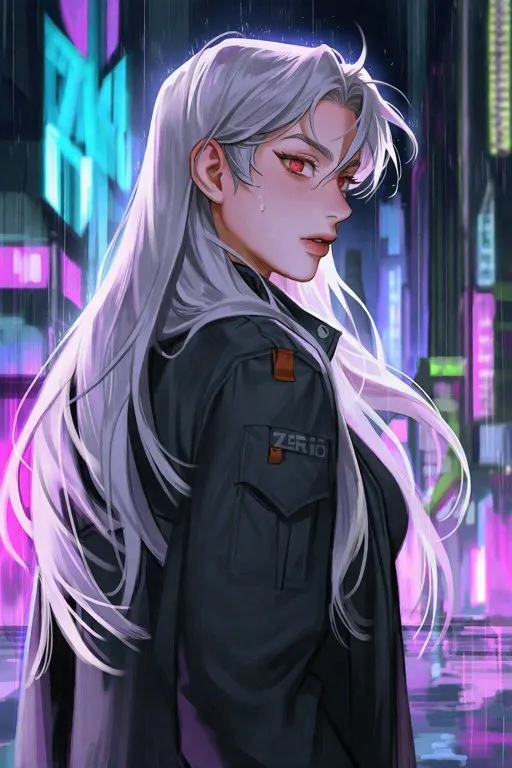
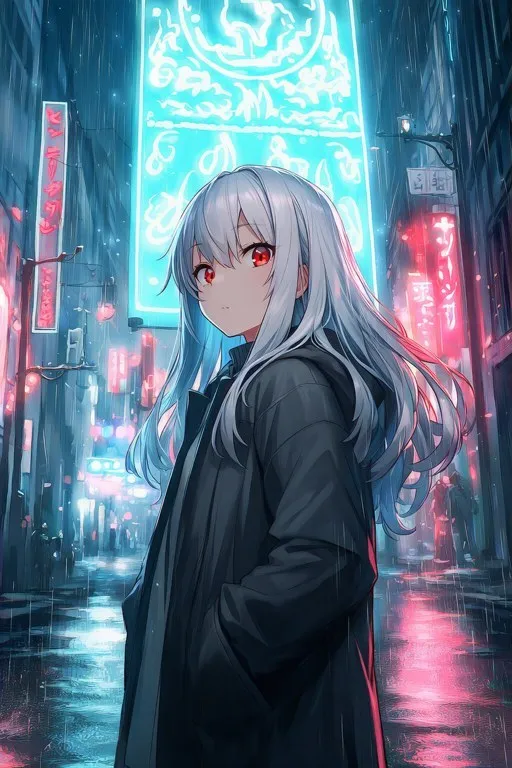
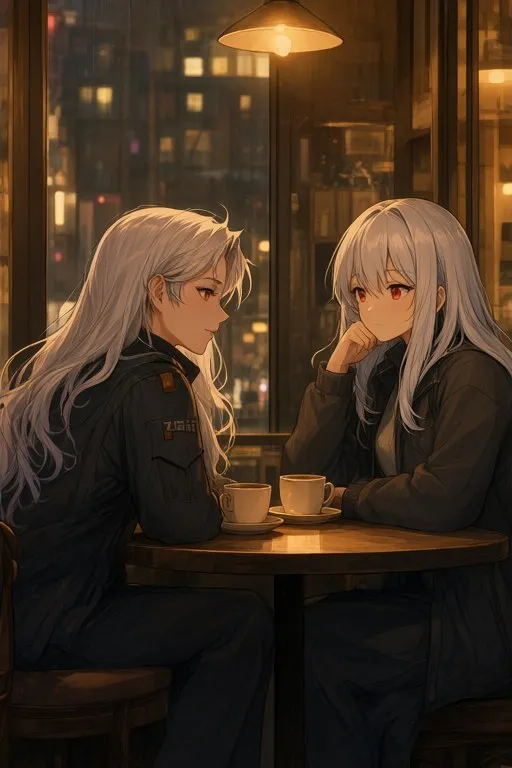
What it looks like
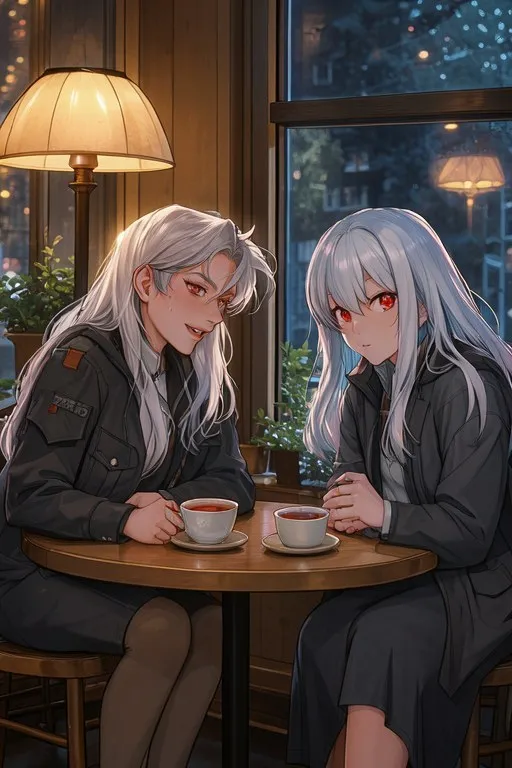
Stay on NovelAI
Nothing to change: NovelAI takes the look from text, from the plugin’s passports and the character card.
Which to choose
FLUX 3 Klein and Qwen-Image 2.1
They take the look from photos. Describe the scene in plain words.
NovelAI
Styles come from artists and tags, the look from text. How to set your own style →
FAQ
Which model takes the look from avatars?
flux-3-klein-image and qwen-image-2.1. Both are in your plan and use the same key; their limit is 50, 75 or 120 images per day depending on the plan, separate from NovelAI images.
What if I stay on NovelAI?
Images are drawn as before: NovelAI takes the look from text, from the plugin’s passports and the character card. Nothing to change.
Do I need another key?
No. The key and the plan are the same; only the model in the plugin changes.
Every use case, step by step
NovelAI API: Python, JavaScript and curl examples
For those who write code: URLs, examples in Python, JavaScript and curl, and the docs.
NovelAI in SillyTavern: setup with screenshots
Standard method and sillyimages: separate instructions, screenshots and copyable settings.
NovelAI in TAVO
TAVO’s built-in generator: API URL, key, models, your own style, image by link for presets and Smart expand.
NovelAI API pricing
Plus, Duke and Emperor for 30 days: how many NovelAI, Qwen-Image and FLUX images each includes, renewal and plan changes.
NovelAI from Russia: pay by SBP, no VPN
Pay by SBP, crypto or Telegram Stars, works without a VPN, no NovelAI account needed.
Images in TAVO: the fastest way
The fastest way: NovelAI images in TAVO in nine steps, with screenshots and arrows.
Setup help
Answer one to three questions and get the guide for your case.
TAVO preset: an image in every reply
A preset in one click: the text model inserts an image into every reply itself, with no plugins.
NovelAI images in your roleplay chats
TAVO and SillyTavern. No VPN and no NovelAI account. Three images are free.