
NovelAI in TAVO
Connect AniworldAI through the built-in Image generation API. Your first image needs a URL, your key and a model ID.
No card needed: 3 NovelAI images and 3 on Qwen-Image and FLUX, valid 7 days. The key appears here and in Telegram.
Connect image generation in five steps
Open image API settings
More → Model providers → Image generation API → Create.
Select Custom (OpenAI-compatible)
-
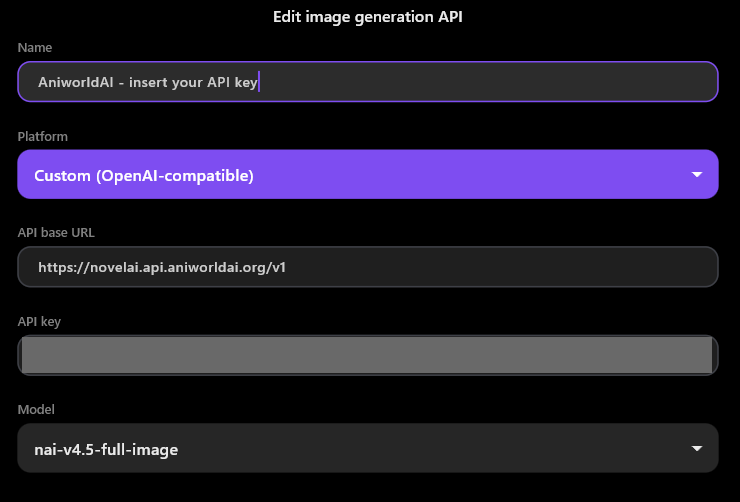
Paste the URL and your key
API base URLhttps://novelai.api.aniworldai.org/v1Paste your complete AniworldAI key in API key: aw_… without the api: prefix. You can use AniworldAI as the Name.
Enter a model
Open Model, type one of the IDs below and press Apply. Manual entry works even when the list is empty.
Modelnai-v5-medium-imageModelnai-v4.5-full-imagePress Save
Use this connection as the Default image API. Open a chat after saving.
Generate your first image
Copy this command into the chat message field and send it. The finished image appears in chat history.
/imagine a calico cat on a windowsill, warm sunlightYou can also use + → Generate Image in chat.
How to set your own style
A NovelAI style is a string of artists with weights. The TAVO community shares ready-made strings; they work through our API as they are.
1.6::zero_q_0q::, 1.3::dang0_23::, 0.7::etceteraart::Put the style string at the start of the prompt, before the scene itself:
/imagine 1.6::zero_q_0q::, 1.3::dang0_23::, 0.7::etceteraart::, 1girl, long silver hair, red eyes, black coat, rainy neon street at night- The number before :: is the weight: the higher it is, the stronger that artist’s influence. Change the weights and the artists to get a style of your own.
- Most community styles were written for V4.5. On nai-v5-medium-image the same string looks different: to reproduce a style as shown, pick nai-v4.5-full-image.
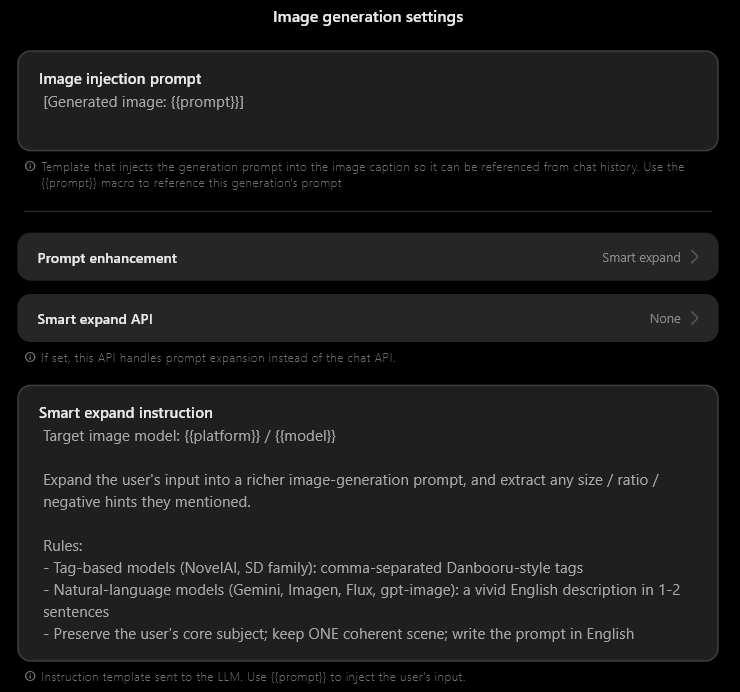
- With Smart expand on, the text model rewrites your prompt and may drop the style. If the style is gone, turn Smart expand off and write the prompt in English yourself.
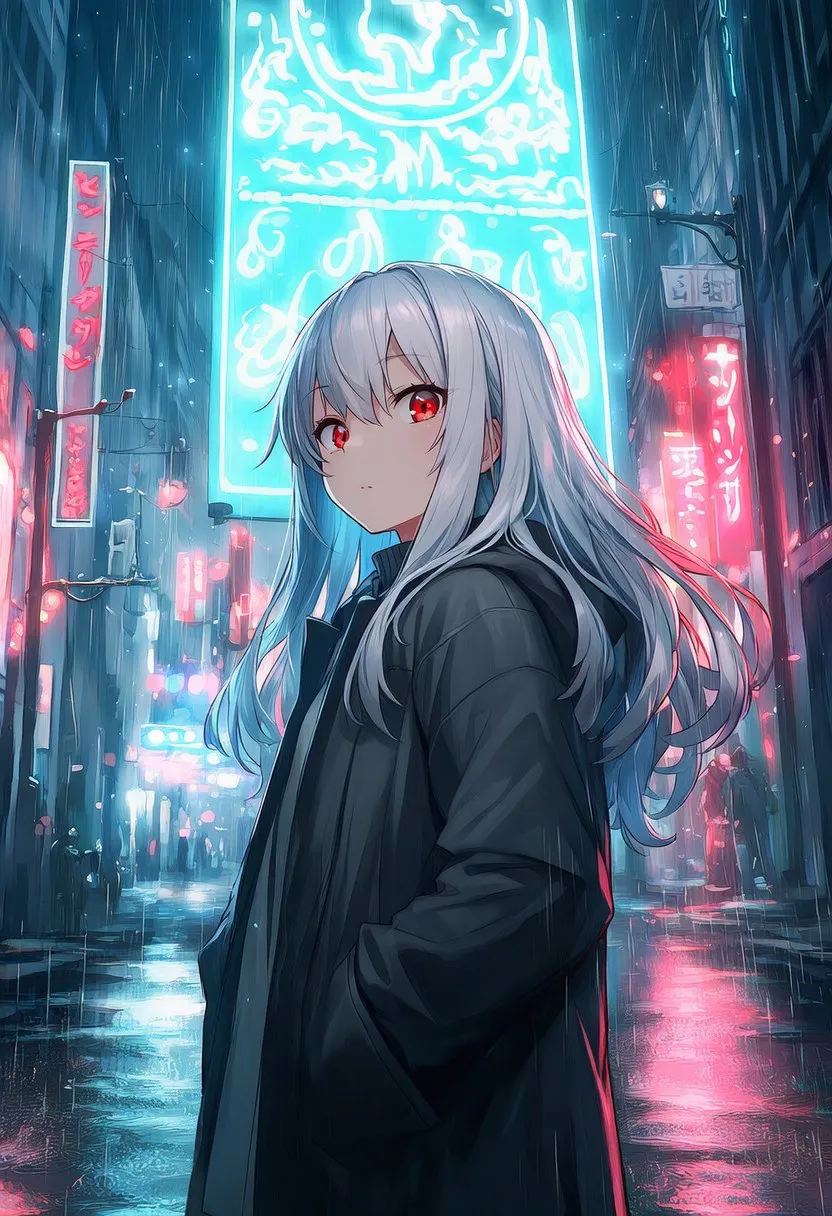
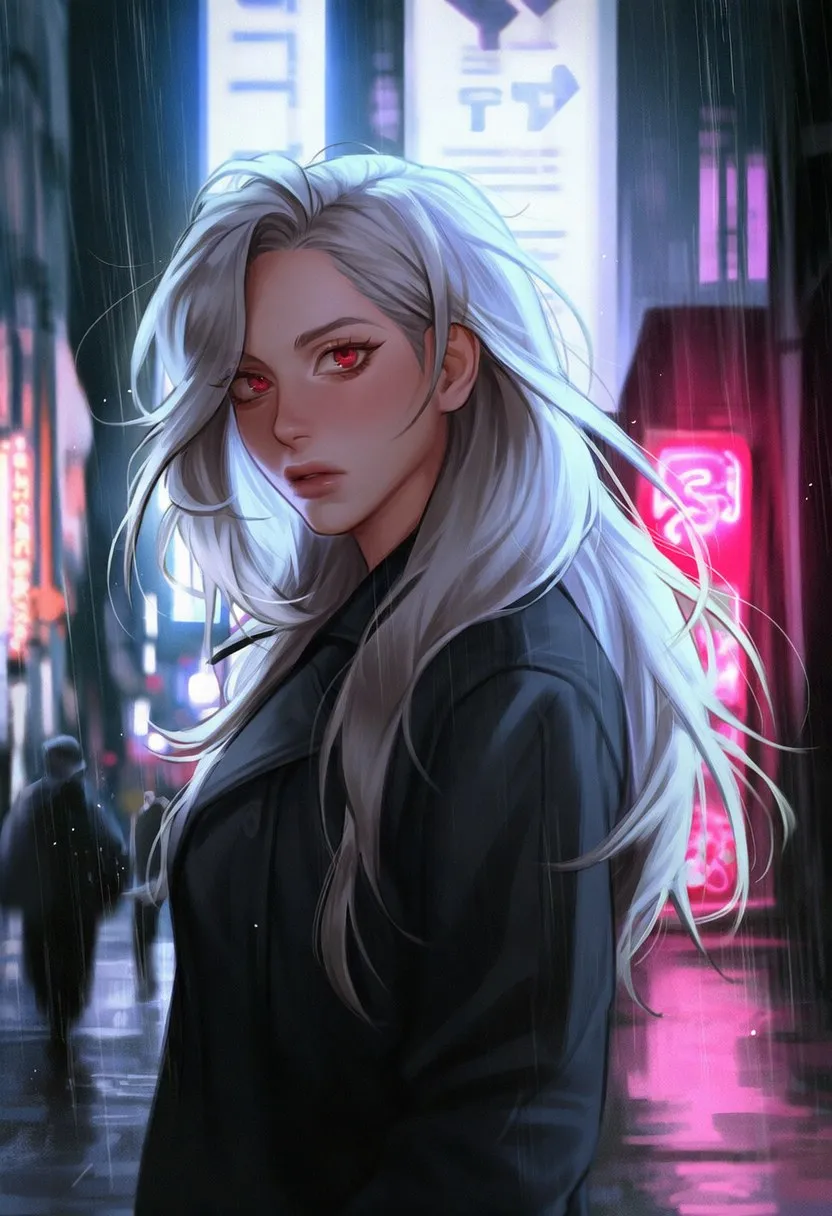
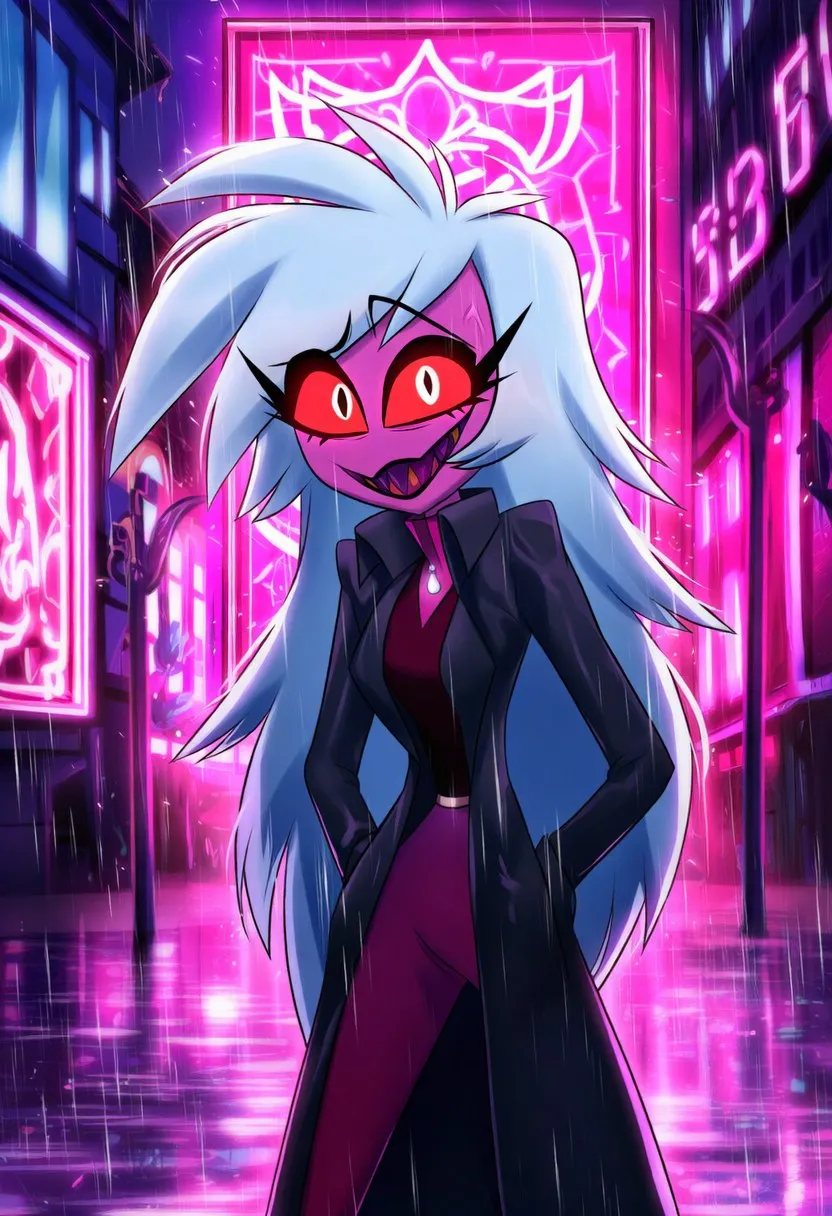
Image by link, for presets
In many TAVO and SillyTavern presets the text model itself inserts an image into the post with an <img> tag and a link. Our API answers such a link with the image directly, so you do not need to configure a generator in settings for this.
https://novelai.api.aniworldai.org/prompt/PROMPT?aspect_ratio=2:3&model=novelai-v4.5&token=YOUR_KEYTo switch a ready-made preset to our API, replace the service URL in it with the one below and the token with your aw_… key.
https://novelai.api.aniworldai.org/prompt/- The prompt goes right into the URL, URL-encoded: a space is %20, a comma is %2C, a hash is %23. A style string works the same way, at the start of the prompt.
- Parameters: aspect_ratio is 1:1, 2:3, 3:2, 16:9 or 9:16 (anything else snaps to the nearest); model is novelai-v4.5 or novelai-v5-medium; seed; negative_prompt.
- Always put the model in the link (&model=…): without it V4.5 Full draws, and a style written for one model looks different on the other.
- The same link is drawn and charged once, however many times the chat re-renders it. The image is kept for 7 days.
- A refusal (limit reached or wrong key) arrives as an image with an explanation.
<img src="https://novelai.api.aniworldai.org/prompt/1girl%2C%20long%20silver%20hair%2C%20red%20eyes?aspect_ratio=2:3&model=novelai-v4.5&token=YOUR_KEY">With this method your key is visible in the preset text and in post links. Do not publish the preset or screenshots with it; if the key leaks, issue a new one in your account.
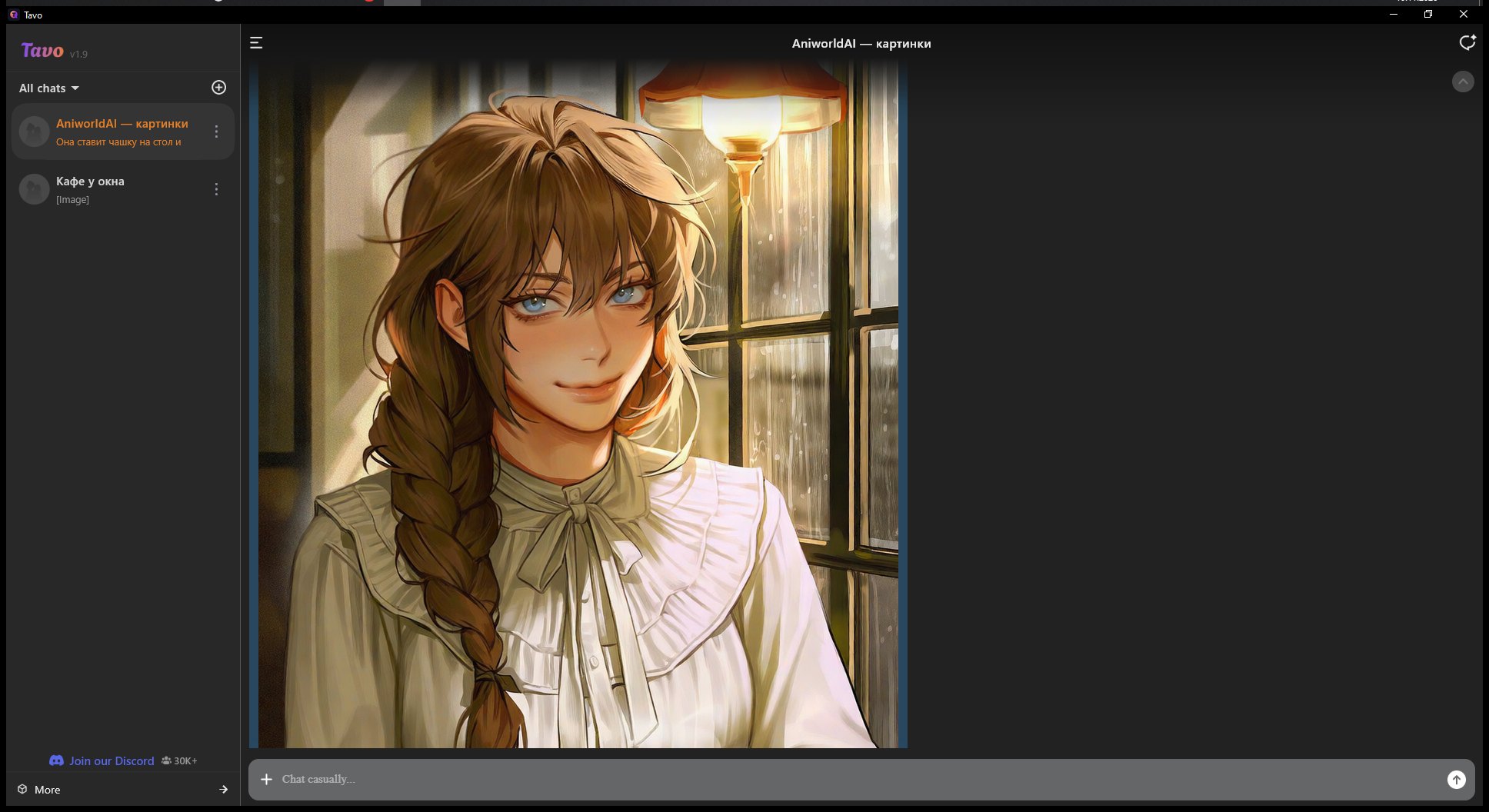
A preset in one click
The text model inserts an image into every reply itself, with no plugins. The preset with your key is built in one click on its own page.
Prompt expansion and translation
For automatic prompt expansion and translation, open Model providers → Image generation settings → Prompt enhancement → Smart expand.
Smart expand uses a text model. Configure it separately under Model providers → API connections, using your working text API.
Smart expand API → None uses the current chat’s text API. You can also choose a separate connection for prompt expansion.
Settings screenshots were taken in TAVO 1.8.1 on Windows. This connection uses TAVO’s built-in image generator; no plugin is required.
FAQ
Do I need a separate TAVO token?
Use your regular AniworldAI aw_… key in API key. Do not add the api: prefix.
What if the model list is empty?
Open Model, enter nai-v5-medium-image or nai-v4.5-full-image and press Apply, then Save.
How do I set my own image style in TAVO?
Put a style string (artists with weights, for example 1.6::zero_q_0q::, 1.3::dang0_23::) at the start of the prompt after /imagine. Ready-made community strings work as they are. Most were written for V4.5 Full; with Smart expand on, the style may get lost.
How do I switch a preset with image links to this API?
Replace the service URL in the preset with https://novelai.api.aniworldai.org/prompt/ and the token with your aw_… key. A link like …/prompt/PROMPT?aspect_ratio=2:3&token=KEY returns the image directly; the same link is charged once. Your key is visible in the preset text, so do not publish it.
Does this API handle roleplay conversations?
This connection generates images. Configure a separate text API under API connections for conversations and Smart expand.
Every use case, step by step
NovelAI API: Python, JavaScript and curl examples
For those who write code: URLs, examples in Python, JavaScript and curl, and the docs.
NovelAI in SillyTavern: setup with screenshots
Standard method and sillyimages: separate instructions, screenshots and copyable settings.
NovelAI API pricing
Plus, Duke and Emperor for 30 days: how many NovelAI, Qwen-Image and FLUX images each includes, renewal and plan changes.
NovelAI from Russia: pay by SBP, no VPN
Pay by SBP, crypto or Telegram Stars, works without a VPN, no NovelAI account needed.
Characters’ look from avatars
The “Images by Not_Found” plugin for TAVO: how to take the characters’ look from avatars, one model and five steps.
Images in TAVO: the fastest way
The fastest way: NovelAI images in TAVO in nine steps, with screenshots and arrows.
Setup help
Answer one to three questions and get the guide for your case.
TAVO preset: an image in every reply
A preset in one click: the text model inserts an image into every reply itself, with no plugins.
NovelAI images in your roleplay chats
TAVO and SillyTavern. No VPN and no NovelAI account. Three images are free.